Setting up basic UFW rules
A quick guide on hardening a new Linux VM with UFW.
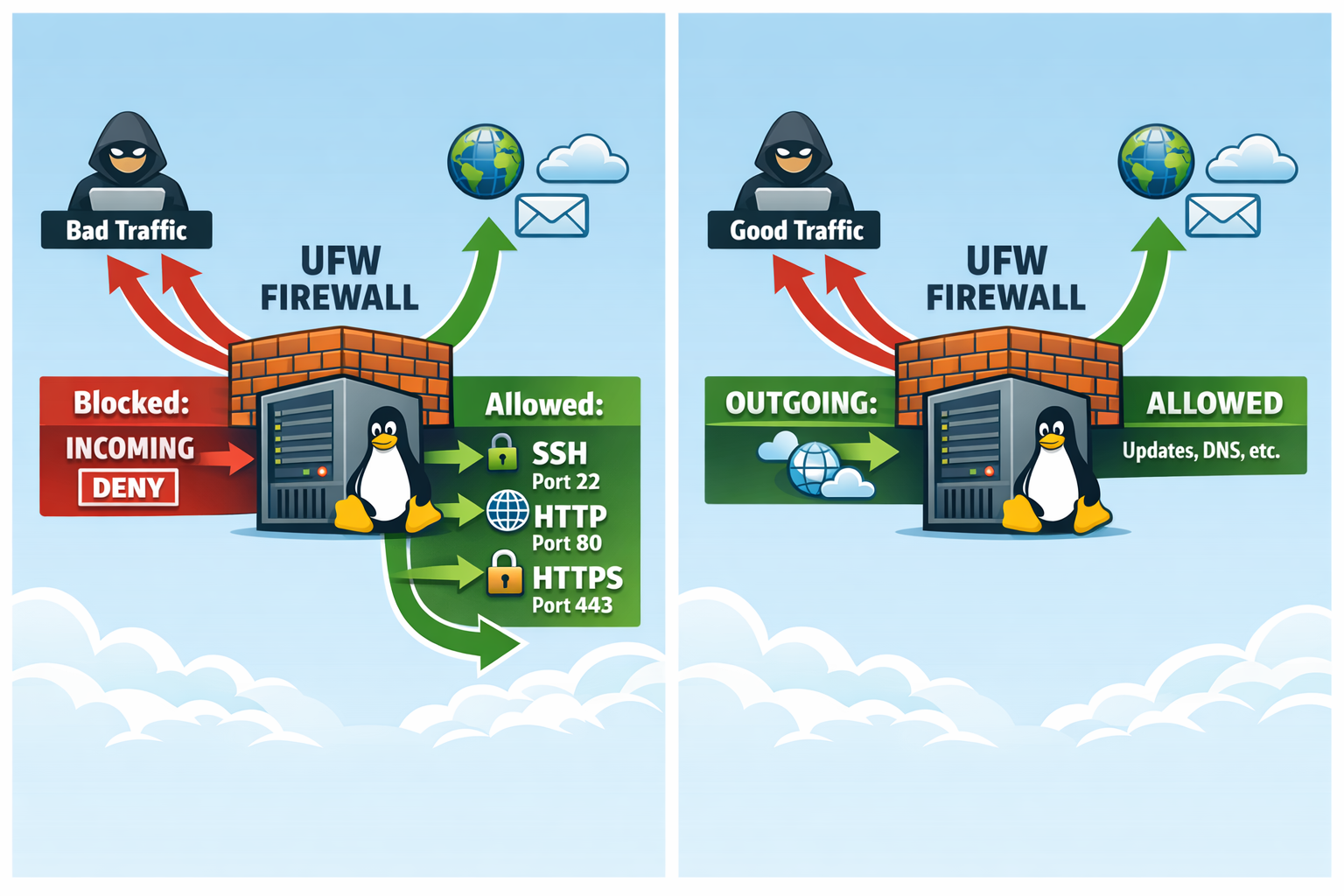
When spinning up a new VM in the lab, one of the first things I do is set up a basic firewall. ufw (Uncomplicated Firewall) is perfect for this.
Locking down ingress early reduces the blast radius if a service is misconfigured or exposed during setup. It also forces you to be intentional about what gets opened.
The “Safe” Sequence
Always allow SSH before enabling the firewall to avoid locking yourself out!
# 1. Default deny incoming, allow outgoing
sudo ufw default deny incoming
sudo ufw default allow outgoing

# 2. Allow SSH (and other needed services)
sudo ufw allow ssh
sudo ufw allow 80/tcp
sudo ufw allow 443/tcp

# 3. Enable it
sudo ufw enable
Common mistakes
- Enabling UFW before allowing SSH (or your actual SSH port)
- Forgetting to open a non-default SSH port
- Allowing a web port but missing the protocol (e.g.,
80vs80/tcp)
Allowing a single IP
sudo ufw allow from x.x.x.x to any port 22
Rate limiting SSH
sudo ufw limit ssh
Check status
sudo ufw status numbered
Disable or rollback
sudo ufw disable
sudo ufw reset
Quick, easy, and essential for a secure lab environment.
Next steps
Comments